
It's Black Friday! Read on to discover our two special offers and a round-up of some of the best tech deals we've found.
💥 Join techforword insiders or AI Language Club for AMAZINGLY LOW PRICES! 💥
1 year in AI Language Club for just $99!
(Doors open ‘til Monday)
Discover Language Learning
LIKE NEVER BEFORE!
What’s in AI Language Club?
✅ New bite-size videos to turbocharge your languages EVERY WEEK
✅ Collections of lessons to boost cultural knowledge, expand vocabulary, prepare for conversations, and use AI on the go
✅ Practical tips and techniques to help you find the best tools and accelerate your language learning journey
✅ Exclusive member portal
✅ Demonstrations and tutorials to make using AI easy
✅ Interactive exercises to enhance your language skills
✅ Prompts to help boost your language learning instantly

1 year in insiders for 300€ €199!
(4 months FREE!)
Work SMARTER & stay RELEVANT
in an ever-changing industry!
What’s in techforword insiders?
✅ Access to the entire insiders library (50+ hours of training)
✅ Monthly webinars with live Q&A
✅ Guest expert masterclasses
✅ Targeted tech tutorials
✅ Live co-working and networking sessions
✅ Quarterly office hours
✅ Insider pricing on techforword courses and manuals
✅ 8 learning paths to help you zero in on your current needs
✅ Quarterly challenges with bite-sized videos, workbooks and a community to help you use what you’ve learned right away
Already an insiders member? If you're on a monthly subscription, use the link above to go annual and get four months free. If you're an annual member, email me for your special discount code and get your next 12 months for just 199€.
If you have techforword credit, you can apply it to this insiders offer! Email me and I’ll set this up for you.
Get all these AMAZING insiders trainings…
Ever Googled a term right before a translation or interpreting project and gotten... everything except what you need?
Turns out you can search a lot smarter – you just need to know how to ask.
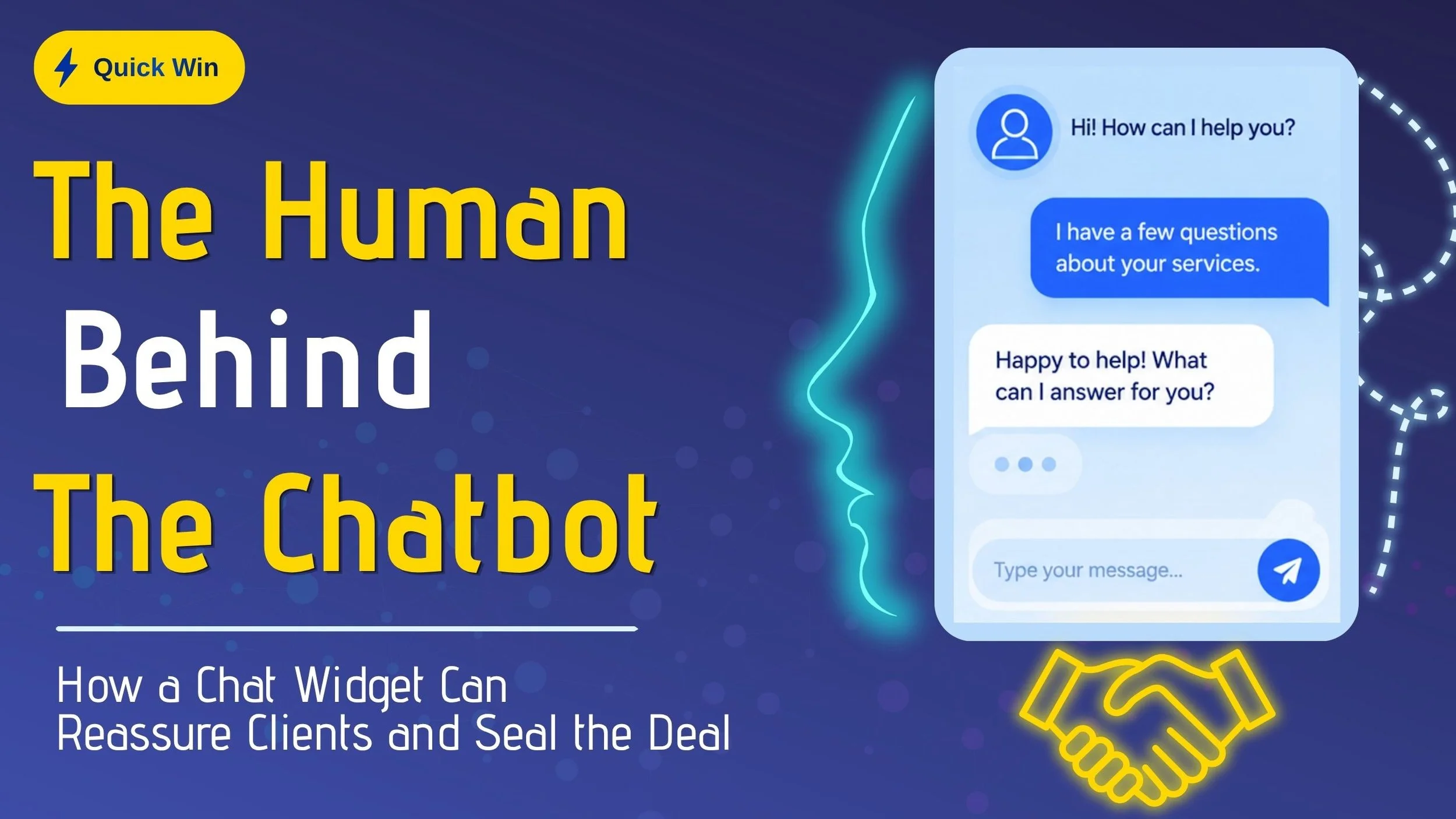
Ever clicked “Chat with us” on a website and wondered if a real person was actually behind it?
In this training, Josh shares how a simple chat widget on your own website (or WhatsApp Business) can turn a hesitant visitor into a booked client — often within minutes.

What if you had a tool that could catch every number, recognize proper names, and surface the right terms from your glossary as you interpret – without sending anything to the cloud?
Meet TerpMate: a free, offline tool that runs locally on Windows, Mac or Android.
In this 60-minute webinar, you'll learn to:
✅ Create, share, and use glossaries live while interpreting
✅ Keep up with numbers and train the system to recognize tricky names
✅ Use real-time transcription and translation as you work
✅ Run TerpMate alongside Zoom, Teams, and other platforms — and set it up for onsite assignments.
Plus, Bernard Song — founder of TerpMate — will join us live to share why he built it, why it’s free, and answer your questions.
Ready to handle fast speakers, dense content, and tricky numbers — all while keeping your clients' data completely private? 🔐
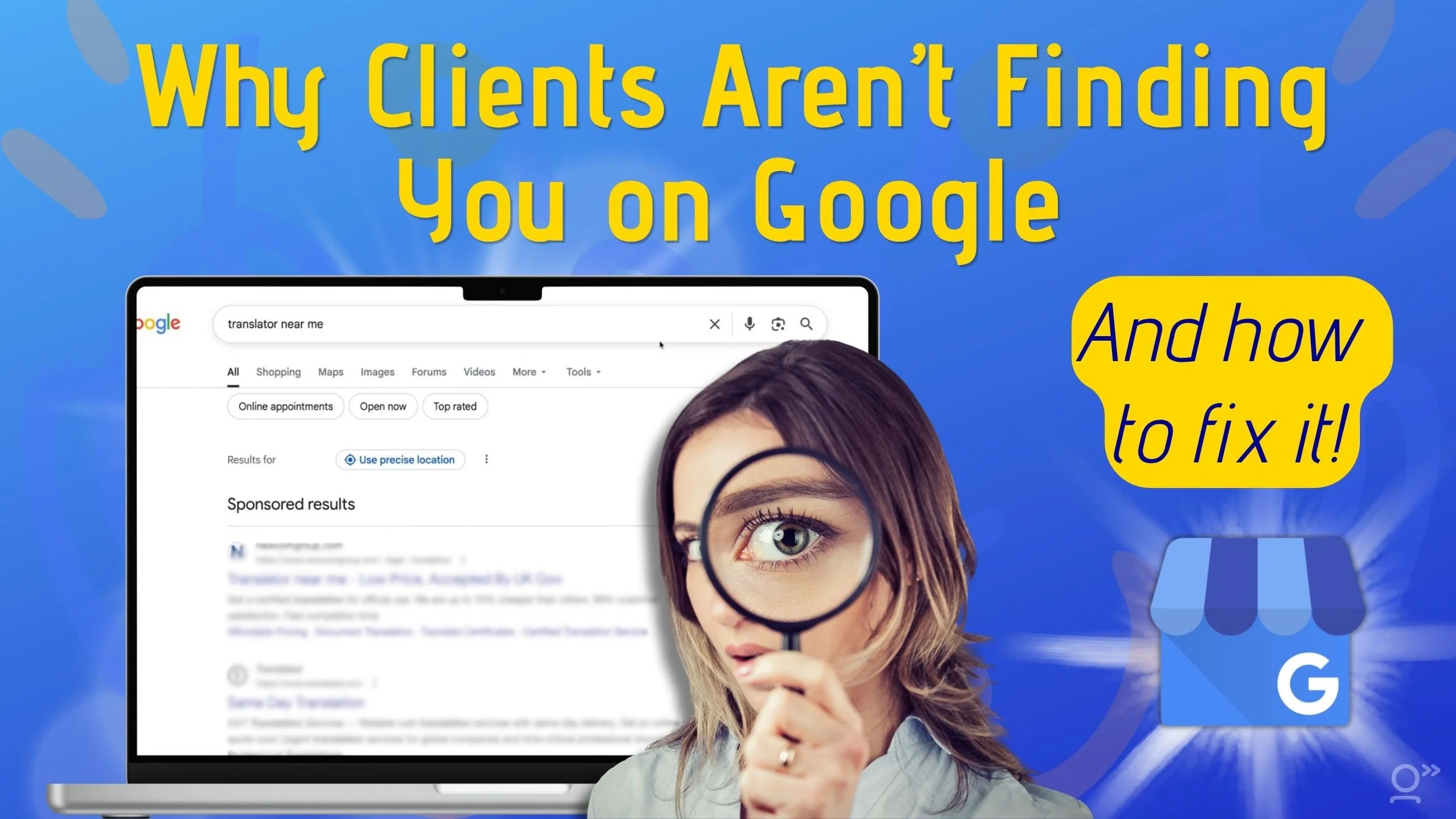
If clients are searching for translators and interpreters on Google… why aren’t they finding you? 🧐
93% of clients search for service providers online – and most of them will click on what shows up first.
The good news? Setting up your Google Business Profile is quick and easy
Tired of scrambling to remember client preferences mid-translation? 🤯
We've all been there. You're deep in a project when you realize you've been inconsistent with terminology or missed a style guide rule. Again.
But what if your AI could remember everything for you?
In this 60-minute webinar, you'll learn to:
✅ Create projects in ChatGPT and Claude that reference your style guides and glossaries
✅ Use custom instructions and reference files to enforce client-specific preferences
✅ Apply style guide rules automatically (even with dictated translations!)
✅ Turn your AI into a meticulous proofreader that flags errors or style guide violations
Ready to never miss a style guide rule again?
Join us and discover how to make AI the perfect project assistant that knows every client's preferences by heart!
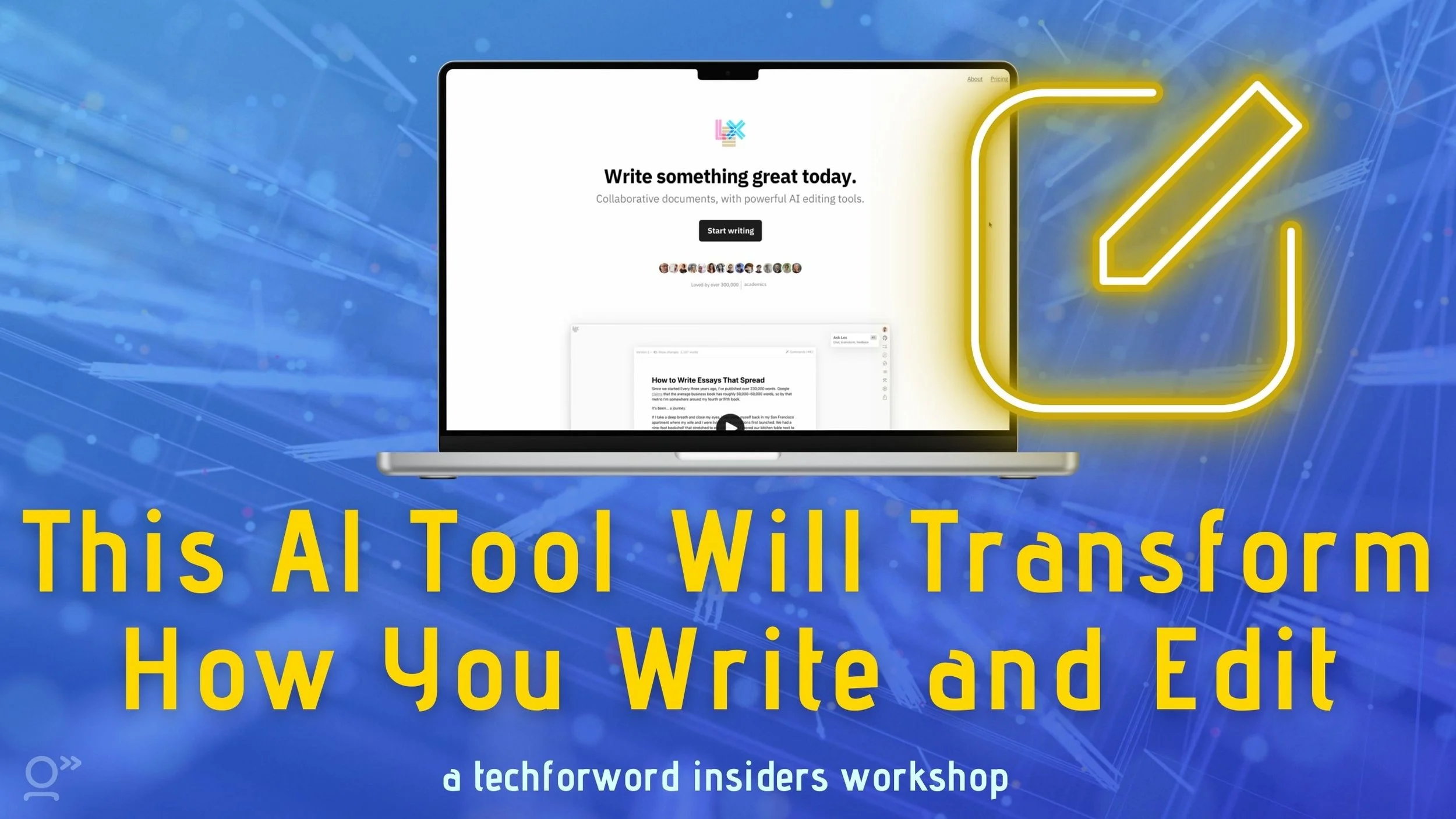
You may have already heard me rave about Lex.page...and for good reason!
Whether I need to proofread a translation, zhuzh up a LinkedIn post, or make sure the copy I've written matches my (client's) brand voice, it's my go-to tool.
Since our first insiders webinar on Lex in April 2024, this tool has evolved dramatically with AI Checks, Knowledge Bases, Reusable Prompts, and Style Guides.
In this 90-minute workshop, we'll take a hands-on deep-dive into Lex.
✅ Set up custom AI checks that catch errors specific to your work
✅ Build knowledge bases that make Lex an expert in your clients' domains
✅ Create reusable prompts for common translation and editing tasks
✅ Configure style guides that ensure consistency across all your projects
This isn't a sit-and-watch webinar – you'll practice each technique live and leave with skills you can use immediately.
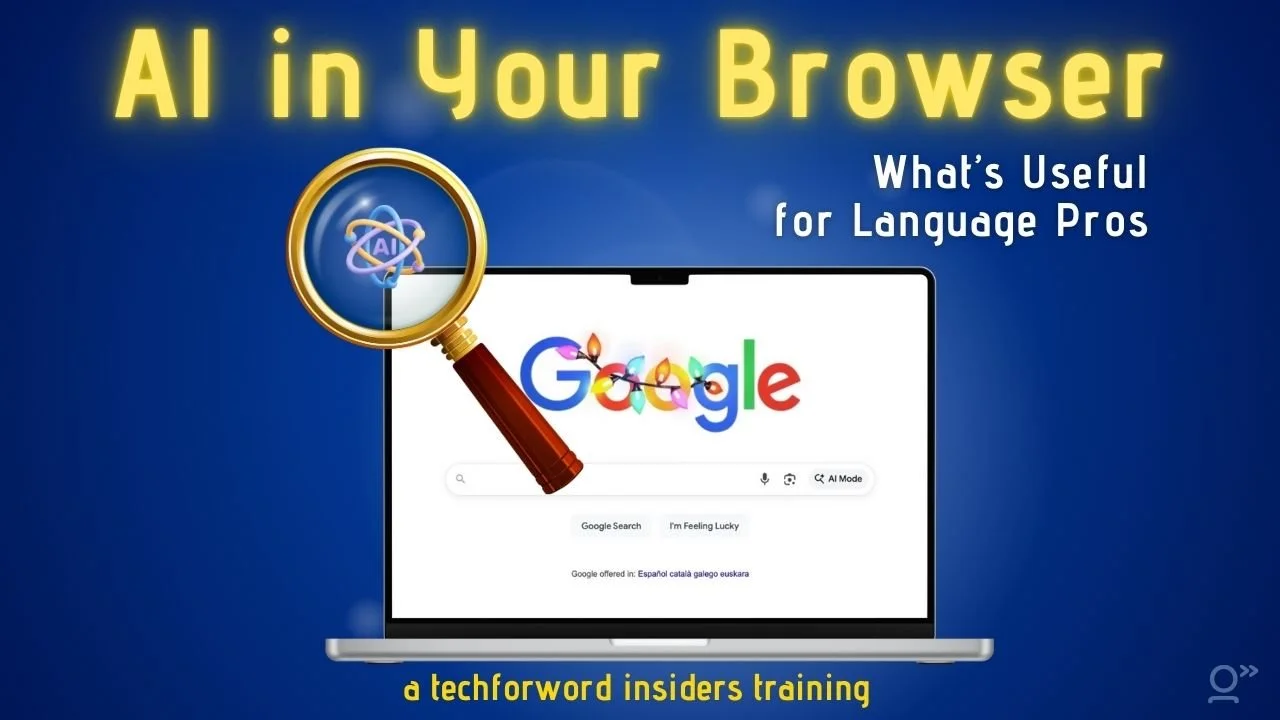
Your browser is getting chatty. 🤖
AI features are popping up everywhere – in Chrome, Edge, and even brand-new browsers like Perplexity’s Comet and ChatGPT’s Atlas. Suddenly, your browser is “helping” whether you asked for it or not.
But which of these features are actually helpful for your translation and interpreting work? Which ones are risky? And what can you safely ignore (or turn off completely)?
In this 60-minute insiders webinar, you'll learn to:
🧠 Make the most of AI Overviews and sidebar assistants
🚩 Check AI answers for accuracy and spot red flags
⚡ Decide when to keep browser AI on (and how to switch it off)
🤖 Understand what AI agents can do – and where they can go wrong
Join Nora Díaz and me as we take a practical, honest look at today’s AI-powered browsers and what they mean for your daily translation or interpreting work.

One of the biggest challenges with using AI for writing assistance is keeping our human voice.
In this short presentation (which I originally put together for the 2025 AI in Translation Summit), I share 5 tips for producing smooth, human-sounding writing with a little help from AI:
🎯 Train AI on YOUR writing style (not generic prompts)
⚙️ Customize outputs to ditch those telltale AI quirks
🤺 Use AI as a sparring partner, not a ghostwriter
📋 Create style guides that actually stick
🗂️ Upload your best pieces to teach AI your unique tone
Check it out!

Tried ChatGPT or Gemini? What if we told you Claude does most of what they do... and a few things they don’t?
Join me and Nora Díaz to discover Claude’s powerful features for language professionals – from its interactive documents to powerful collaboration features.
In this 60-minute webinar, you'll learn to:
✨ Transform your workflow with Claude's unique “artifacts”
✨ Instantly access terminology with a custom glossary lookup tool – and learn how to build one (or “steal” ours)!
✨ Get a sneak preview of Chrome's Claude sidebar
✨ Understand how Claude handles confidentiality and data protection
✨ See how Claude compares with other AI chatbots
BONUS: Get instant access to Nora's flashcard quizzer and glossary lookup tools – yours free when you attend!
Have you seen AI popping up in your Google searches, documents, or even your Gmail? 🤯
Let’s discover which features actually help language professionals – and which are just hype! 🤔
In this 60-minute webinar, you'll learn to:
✅ Navigate (or turn off!) AI-powered features in Gmail, from Smart Compose to conversation summaries
✅ Leverage AI assistance in Google Docs, Sheets, and Slides to analyze and extract key information from documents (or entire folders!)
✅ Control your AI settings to protect client confidentiality
Plus, get a sneak preview of the new Speech “Translation” feature in Google Meet – and why it won’t replace interpreters any time soon! 🎯
Join me to unlock the full potential of Google's AI tools – and learn exactly when (and when not) to use them! 💡

Menekse is an SEO and marketing strategist with over 20 years’ experience working in Search Engine Optimisation and organic traffic.
She’s also an AI whiz, and created a simple, easy-to-use CustomGPT that we’ve been using to optimize our SEO for all techforword pages.
For this insiders-only workshop, I’ve invited her to share her tips to quickly nail the basics of SEO for your website – plus teach you to use this AI tool that’ll make working on SEO a cinch.

You’ve seen the little Copilot icon popping up in Word, Excel, or PowerPoint—but what exactly does it do? And is it actually helpful for translators and interpreters?
In this 60-minute webinar, you'll learn to:
✅ Use Copilot to polish, summarize, and organize your texts
✅ Get help with QA, formulas, and glossaries in Excel
✅ Build presentations and extract terminology in PowerPoint
✅ Understand the costs, opt-out options, and what’s coming next
Join me and Nora Díaz and learn how to use Microsoft's Copilot to streamline your translation and interpreting work – without buying or learning a brand-new app.
Please note: Although this webinar discusses features of Microsoft products, it is organized independently by techforword and is not affiliated with or endorsed by Microsoft.

Paper business cards? Lost, forgotten, or trashed.
A digital business card? Instantly saved, always accessible, and easy to share.
In this 60-minute insiders webinar, you'll learn to:
✅ Create a sleek, branded digital business card in minutes
✅ Generate a QR code so people can add you to their contacts instantly
✅ Set up a widget on your phone for easy in-person sharing
✅ Add your QR code to your Zoom background for virtual networking
It's time to make sure your next handshake (or Zoom call) actually leads to a saved contact. 😉
This webinar is an insiders member request – shoutout to Mary Fons i Fleming for giving me the idea!

Have the feeling you’re losing work to AI? We need to learn how to sell the value of our human expertise.
That’s why I’ve invited expert negotiator Julia Poger for this insiders guest expert training, where you’ll learn how to:
✅ Counter AI-related pricing objections (without losing the deal)
✅ Show clients why your expertise still matters
✅ Keep negotiations stress-free and in your favor

💡 "I'm a highly skilled translator... so why aren't I rich?" 🤔
If you've ever wondered why your expertise isn't translating (pun intended) into higher earnings, you’re not alone. Join Michael Schubert, an ATA-certified translator and Middlebury Institute professor, for an in-depth workshop on what it takes to thrive in the premium translation market—even in the age of AI.
Michael has been a freelance DE>EN translator for 25 years, navigating recessions, pandemics, and tech revolutions without a single bad year. He’ll break down:
✅ The foundations of a thriving freelance translation business (skills, identity, branding)
✅ Why technology is an ally, not a threat, in the premium market
✅ How to price your services to attract serious clients who value your work
✅ Real-world success stories and strategies for building strong client relationships
You'll walk away with clear, practical steps to position yourself as a premium provider and command the rates you deserve.

Want to know what's ACTUALLY working in marketing right now? 🤔
I've collected REAL strategies that successful translators and interpreters are using to land premium clients right now … and some of them might surprise you.
In this 60-minute webinar, you’ll discover:
✅ Which marketing strategies to ditch (and what to do instead)
✅ 6 proven ways your colleagues are landing work right now
✅ How to make authentic connections that lead to real opportunities
✅ Simple marketing techniques that feel natural and actually work
Plus: Real success stories and examples from colleagues! 💪
Join me to discover exactly how translators and interpreters are landing dream clients in 2025.
ChatGPT just got a major upgrade – and it's a game-changer for language professionals! 🦾
In this 60-minute webinar, you'll learn to:
🔎 Use the new Web Search to fact-check responses and find reliable sources
💻 Transform your writing workflow with advanced editing tools in Canvas mode
💬 Find past conversations and reuse your best prompts with improved search
🎯 Create targeted marketing plans for effective client outreach
Join us to discover how ChatGPT's newest features can supercharge your translation or interpreting business! 🚀
AI voices are becoming more and more realistic.
What do they mean for the future of translation and interpreting?
Let’s explore their potential—and pitfalls—together!
In this 60-minute webinar, you’ll:
✅ Learn how AI voices can enhance tasks like proofreading, preparation, language learning, and interpreting practice.
✅ Compare the best free and paid tools to find what works for you
✅ Assess the limits of AI voices and discover why they’re tools – not replacements for human experts.
Ready to harness the power of AI voices? 🚀
Join the conversation and discover how AI voices can work for you!
Imagine a smart AI assistant that scans your project documents and pulls out all the key info in seconds...without hallucinating!
That's Google's Notebook LM.
In this 60-minute insiders webinar, you’ll learn to:
✅ Use AI to analyze and summarize multiple documents at once
✅ Leverage built-in prompts to uncover key terms, timelines, Q&As, overviews, and more
✅ Craft your own prompts to dig up exactly what you need – complete with citations to back it up
Plus, you’ll meet the first AI podcast hosts that sound (almost) like humans!
Ready to discover the AI assistant that makes your research faster and more accurate?

Many freelancers set their rates based on uncertainties—whether it’s fear of not having enough work, guesswork around industry rates, or simply accepting whatever clients are willing to pay. But there’s a more strategic way forward!
Your translation and interpreting clients trust you to keep their data safe.
And that starts with strong passwords. 🔐
In this 60-minute insiders webinar, you’ll learn to:
Create strong passwords that protect your accounts and your clients’ data
Access passwords across all your devices with built-in or standalone password managers
Share passwords securely when necessary
Use multi-factor authentication for extra protection
Let’s take the headache out of passwords and help you safeguard your business – and your clients – the smart way.

Translators and interpreters search the web dozens of times every day 🔎
And the search engine you use makes a huge difference.
In this 60-minute webinar, you’ll learn how to:
🤖 Get AI to display results alongside Google results
🔎 Use AI overviews built into your favorite search engines
🦾 Generate more comprehensive, relevant results with Deep Search
Ready for the AI search revolution?
Join me and Nora Díaz and learn to find the facts you need for your next translation or interpreting project faster!
Drowning in piles of paper? 🤯
Translators and interpreters often face mountains of notes, glossaries, receipts, and contracts.
But you don’t have to. 😮💨
In this 60-minute webinar, you’ll learn to:
🤓 Use built-in software and a flatbed scanner on Windows and Mac
📱 Seamlessly scan documents using your phone or tablet
✍️ Name, edit and save your scans
🔎 Extract text from scans with OCR (optical character recognition)
I’ll also share tips on when and what to scan, helping you clear the clutter and digitize documents quickly and efficiently.
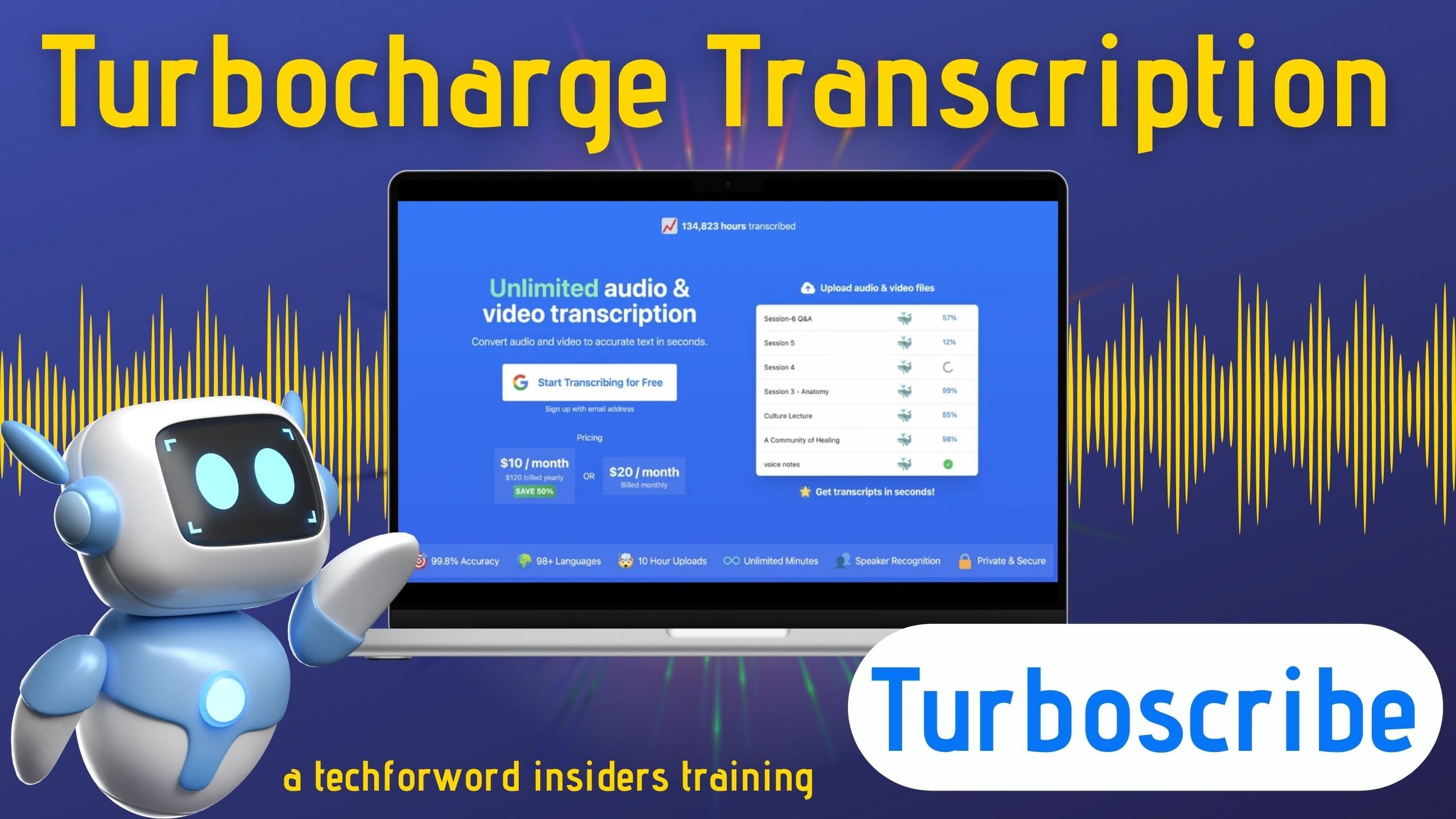
Looking for an easy way to work with audio and video files?
Meet Turboscribe, the AI-powered transcription tool that will help you generate summaries and captions, learn domain-specific terms from transcripts, and craft multilingual glossaries effortlessly.
In this 60-minute webinar, you'll learn to:
🤓 Automatically transcribe audio and video files in 95+ languages
⚡️ Generate and translate captions with just a few clicks
🤖 Use AI to turn transcripts into summaries and glossaries
You'll also learn a nifty trick for creating bilingual glossaries from non-aligned texts – so you know exactly which terms you need to check! 💡
Drafted a text, and wish you could get AI to edit it? ✍️
Introducing Lex.page, a web-based, AI-powered word processor that can revolutionize your writing and editing.
Join this 60-minute webinar and learn to get AI to:
🧠 Find the best word, suggest titles, and generate lists of ideas
🔍 Provide feedback on a draft and suggest areas for improvement
✅ Fix spelling and grammar errors, simplify sentences and tighten up texts
Are you ready to use AI to turn your first drafts into crisp, clear prose?
Answering emails...the bane of our existence. 🤯
How about a little help from our friend ChatGPT? 😉
Join us for our March insiders webinar and learn to get ChatGPT to:
✅ Turn a list of ideas into an email
✅ Write in your style – in any language
✅ Read your emails and respond
✅ Keep your clients' data safe
I'll also show you two fun tricks to use speech recognition and automation to power through your emails even faster...so you can focus on the work you really love.
Some CAT tools have tacked on an AI integration. 😕
But...imagine a tool that was built with AI in mind. 🚀
One that uses AI to:
✅ Automatically incorporate your glossaries, TMs and MT output into translations
✅ Flag inconsistent terminology, awkward phrasing, or inaccurate translations
✅ Spellcheck, proofread, suggest alternatives, and fix tags
All while learning your style on the fly and keeping confidential data safe.
That’s Bureau Works.
Join me and Bureau Works’ founder Gabriel Fairman at our February insiders webinar to discover the AI-powered translation tool that won the 2023 Innovator of the Year award 🏆
Writing speeches for interpreting practice can take hours...
But it doesn't have to. 😉
In this 60-minute webinar, you’ll learn to get Artificial Intelligence to write speeches:
✅ For a specific topic, level, length, style or voice
✅ Based on a keyword, list of terms, or article
✅ As bullet points or fully-drafted speeches – in any language
We’ll even explore how you can get AI to read out speeches for practice purposes!
Ready to unlock the power of AI to effortlessly generate tailored speeches in seconds?
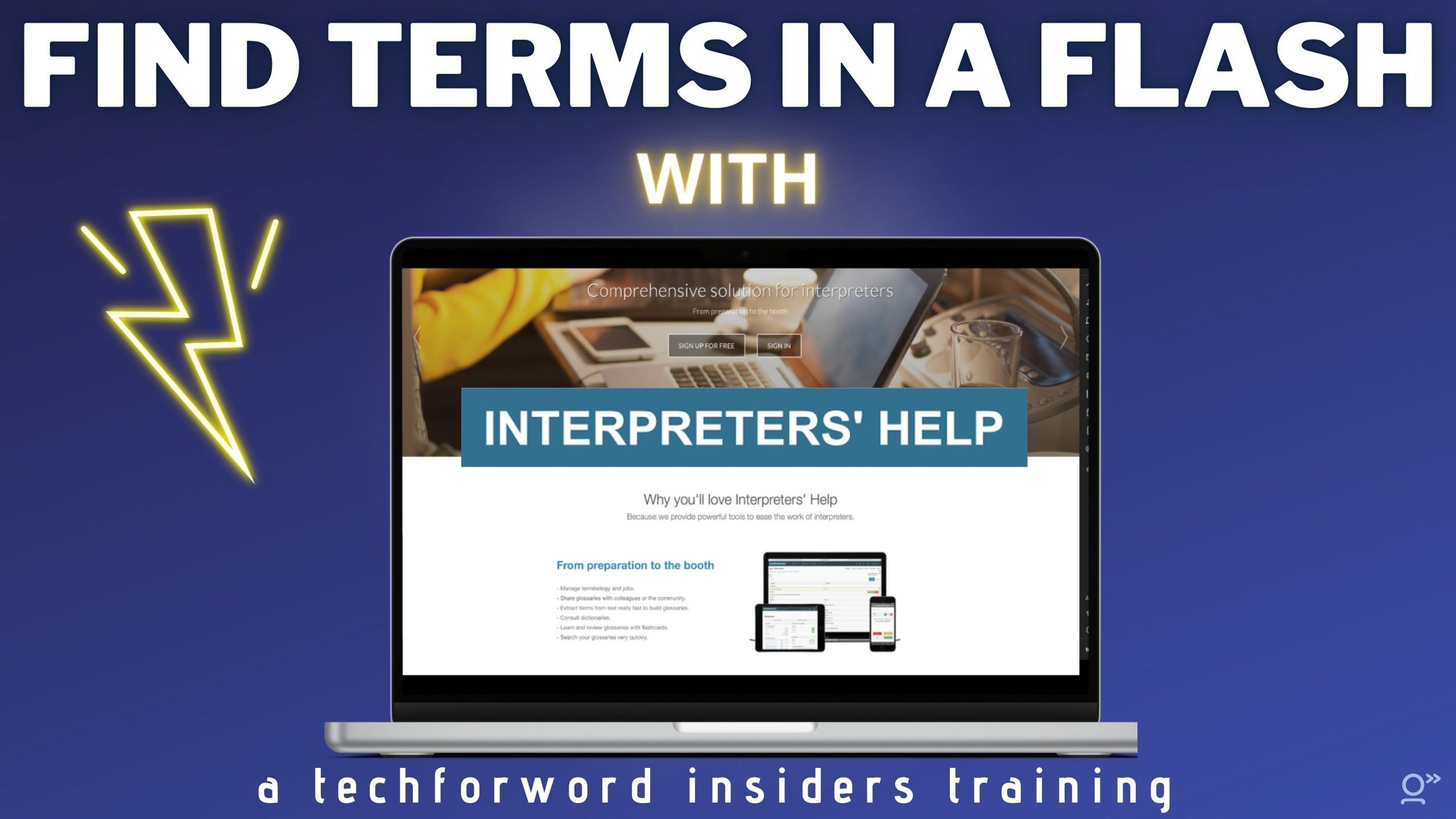
Do you struggle to find the right terminology for your interpreting assignments? 😓
Wish you knew how to use technology to prepare faster and more accurately?
In this 60-minute webinar, you’ll learn to:
✅ Build an online glossary in two (or more) languages
✅ Create glossaries faster with terminology extraction
✅ Find terms in just a few keystrokes during assignments
✅ Share glossaries with colleagues
Even better, the new Interpreters’ Help lets you add images, audio, videos and files to your glossaries, create searchable databases with all your terms, and access your glossary offline from Windows, Mac, or Linux 🤩
Join me and Interpreters’ Help founder Benoît Werner and get ready to turbocharge your interpreting glossaries!
Join the premier online community for innovative language professionals for just €300 €199 a year! 🤩
Unlock immediate access to 50+ trainings in our insiders library, and take action on your business with our challenges…
As far as I’m concerned, the best gift you can give yourself this Black Friday is investing in your learning and development.
My favorite tech deals on the net
To the best of my knowledge, all deals end Cyber Monday unless otherwise indicated.
Invoicing/freelancing with LSP.expert
Take 40% off any new LSP.expert subscription - the invoicing and management tool for language professionals – with code BF2023. Deal ends Friday (November 24) at midnight.
Translation tools
Take 40% off memoQ (until November 24) or 45% off Trados Studio (until November 30).
Terminology tools for interpreters
Check out the special discounts for the techforword community, including 20% off Interplex, 20% off InterpretBank, or 25% off Boothmate!
PDF Expert for Mac and iOS
If you attended The Ins and Outs of Annotation webinar, you know I’m a HUGE fan of PDF Expert, which lets you edit text and images, merge PDFs, fill and sign documents, and even view, annotate, and scroll through two PDFs side by side. Take 40% off your first year!
AdBlock
Sick of pesky pop-ups and ads? Take 50% off an annual subscription to my favorite ad blocker, AdBlock. (I just grabbed this deal! 😅)
Awesome accessories
Grab discounts on great accessories from Twelve South: cases, chargers, stands & more! (I love the Curve Flex and HoverBar Duo.)
Language and vocab courses from Kerstin Cable
For Black Friday, my friend Kerstin Cable is offering special discounts on two of her courses:
The Language Habit System. Get organized, be consistent, make real progress, and set and achieve your language learning goals. $100 off on 24 and 25 November ONLY with coupon LHSBF23.
Your Solid Vocab Memory. Do you have a full set of flashcards with hundreds of words on your phone… but somehow not in your brain? Learn The Vocabulary Of Any Language With Little Effort, In 3 Simple Steps. (Just $99 $49 until Monday with code YSVMBF23)
How to future-proof your translation career in the age of AI with Joachim Lépine
As AI reshapes our industry, the need to adapt has never been more critical. This live workshop on December 1 gives you the insights to not only survive but thrive in the years ahead. Grab your ticket for just $67 CAD!
More great deals all year long!
We’ve negotiated tons of great deals for techforword community members. These are available year-round on our resources page.
Need to check how a word is actually pronounced – not how AI thinks it should sound?
Whether you're learning a language, interpreting into a non-native language, or just want to double-check a tricky pronunciation, spoken language dictionaries can save you time and help you sound more natural.
In this 60-minute insiders webinar, you'll learn to:
✅ Find authentic pronunciations from real speakers in multiple languages
✅ Compare accents and regional variations with crowd-sourced examples
✅ Check pronunciations instantly from your browser using handy plugins
✅ Build your glossary with downloadable audio clips
Join me and discover the best tools for quickly finding authentic pronunciations across different accents, regions, and real-world contexts.